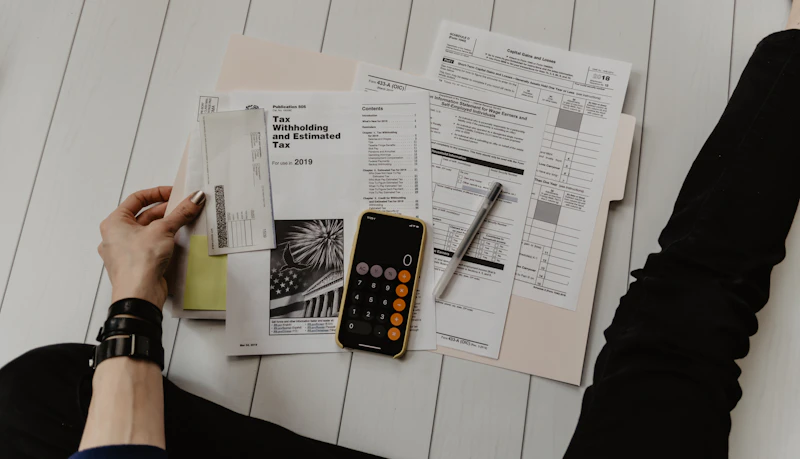
Most people try budgeting, fail within two weeks, and give up. Why? Because they use the wrong system. This guide shows you the exact method that sticks — no spreadsheets required.
Why Most Budgets Fail
The #1 reason budgets fail is they're too restrictive. You cut everything at once, feel deprived, then overspend and abandon the whole plan. The solution is a flexible budget that allows for real life.
- Too detailed — tracking every penny is exhausting
- No room for fun — leads to binge spending
- Based on ideal income, not real income
- No emergency buffer built in
The 50/30/20 Rule — The Easiest Budget System
Split your after-tax income into three buckets:
| Category | % of Income | Examples |
|---|---|---|
| Needs | 50% | Rent, food, utilities, transport |
| Wants | 30% | Dining out, Netflix, clothes |
| Savings/Debt | 20% | Emergency fund, investments, debt |
Example: If you earn $3,000/month → $1,500 needs · $900 wants · $600 savings.
Step 1: Know Your Real Income
Use your take-home pay (after taxes), not your gross salary. If your income varies, use the average of the last 3 months as your baseline. Always budget for the lower end.
Step 2: List Every Expense
Go through your last 2 bank statements and categorize every transaction. Most people are shocked to discover they spend $200–$400/month on things they forgot about — subscriptions, app purchases, impulse buys.
Step 3: Assign Every Dollar a Job
This is called zero-based budgeting. Income minus all expenses should equal zero. Every dollar has a purpose — even if that purpose is "fun money."
Step 4: Automate It
Manual budgets fail. Set up automatic transfers on payday:
- Rent/mortgage: auto-pay on the 1st
- Savings: auto-transfer on payday (pay yourself first)
- Bills: all on auto-pay to avoid late fees
What's left in your checking account after automation is your "free to spend" money. No tracking required.
Step 5: Review Once a Month (10 Minutes)
Set a monthly "money date" — 10 minutes every first Sunday to check: Did you overspend any category? What needs adjusting? Don't skip this — it's what keeps the budget alive.
Best Free Budget Tools in 2026
| Tool | Best For | Cost |
|---|---|---|
| YNAB | Zero-based budgeting | $14.99/mo |
| Mint | Auto-tracking | Free |
| Google Sheets | Full control | Free |
| EveryDollar | Simple 50/30/20 | Free |
| Copilot | AI-powered insights | $13/mo |
Your First Week Budget Challenge
- Day 1: Calculate take-home income
- Day 2: Review 2 months of bank statements
- Day 3: Categorize all expenses into needs/wants/savings
- Day 4: Apply 50/30/20 and find gaps
- Day 5: Set up automatic transfers
- Day 7: Cancel 1 subscription you don't use